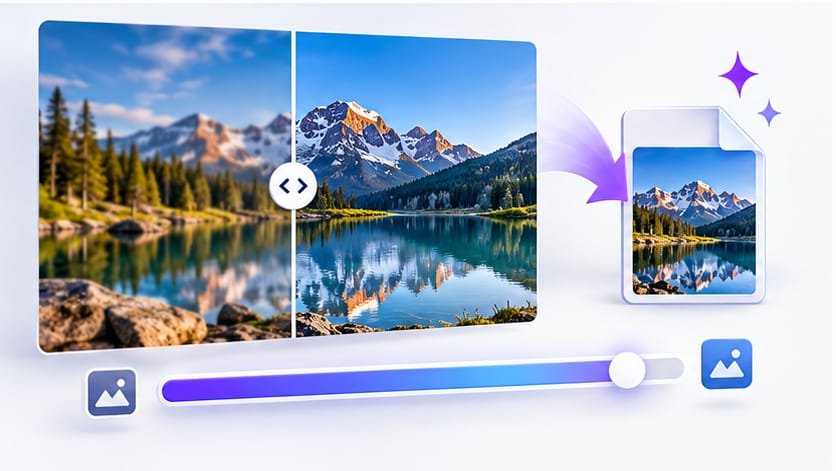
JPEG is the world’s default photo format – and also the most misunderstood. Compress a JPG the wrong way and you get blocky, blurry photos. Compress it the right way and the file becomes 60–80% smaller with no visible difference. This guide shows you exactly where that line is.
The One Rule That Matters: The 75% Sweet Spot
JPEG quality is a slider from 1 to 100, and the curve is brutally unfair in your favor. Dropping from 100% quality to 75% removes an enormous amount of data – but almost nothing your eyes can detect. Dropping from 75% to 50% removes far less data while starting to look visibly soft.
That is why the industry standard for web photos is 70–80% quality, and our JPEG compressor defaults to exactly 75%. At that setting:
- A typical 4MB phone photo shrinks to roughly 1MB.
- Screenshots and graphics often shrink even more.
- Faces, text and edges stay crisp on any screen.
Step by Step: Compress a JPG Properly
- Step 1: Open the free JPEG compressor and drop in up to 10 photos at once.
- Step 2: Keep quality at the default 75%. Only lower it when you need a specific file size for a form or email limit.
- Step 3: If the photo is only for a website, also set a max width – 1920px covers full-screen laptop viewing.
- Step 4: Click Compress Now and download. The before-and-after sizes are shown so you can judge the result instantly.
Compress your JPG now – 75% quality by default
Batch up to 10 files, see exact savings, download in seconds. Free, no signup.
Compress JPG Online FreeThe Second Lever: Resize Before You Compress
Quality and dimensions are two different savings, and they multiply. A 4000px photo displayed at 800px on a blog wastes 96% of its pixels – no quality setting can fix that waste, but a resize eliminates it entirely.
Practical width targets:
| Use case | Recommended width |
|---|---|
| Full-width website hero | 1920px |
| Blog article image | 1200px |
| Email attachment photo | 1024px |
| Chat / messaging preview | 800px |
| Form upload (with KB limit) | 300–600px |
Five Mistakes That Ruin Compressed Photos
- Compressing a compressed file. Every save at low quality stacks artifacts. Always compress from the original.
- Going below 40% quality. Below that threshold, smooth areas (skies, walls) turn into visible blocks. If you need smaller, resize instead of dropping quality further.
- Saving screenshots as JPG. Sharp text and flat colors belong in PNG – use the PNG optimizer instead.
- Ignoring the output format. JPEG has no transparency; cutting a logo out on white and saving as JPG bakes the white box in.
- Deleting the original. Keep it. Future you may need a bigger or better version.
When You Need an Exact Size Instead
Sometimes "smaller" is not specific enough – a form wants under 50KB, an email system caps attachments at 200KB, a marketplace demands under 500KB. For those cases use the image size reducer in KB: you type the exact KB target and the tool finds the best quality that fits, resizing only if physically necessary.
Frequently Asked Questions
What is the best quality setting to compress JPG without losing quality?
75% quality is the sweet spot for photos shared or published online. Double-blind tests consistently show most viewers cannot distinguish 75% from the original, while the file becomes 60-80% smaller. Use 90%+ only for professional print or archival work.
Can a JPG be compressed multiple times?
It can, but every re-save at low quality adds new artifacts. Best practice: keep your original, and always compress from the original when you need a smaller version. If you must recompress, never go below 70% on the second pass.
Why did my compressed JPG get bigger?
If the file was already fully optimized, further compression cannot help - re-encoding can even add bytes. Good compressors detect this and keep your original file untouched instead of making it worse.